Free Cloud Cost Monitoring: 5 Tools That Catch a Runaway Bill Before It Lands
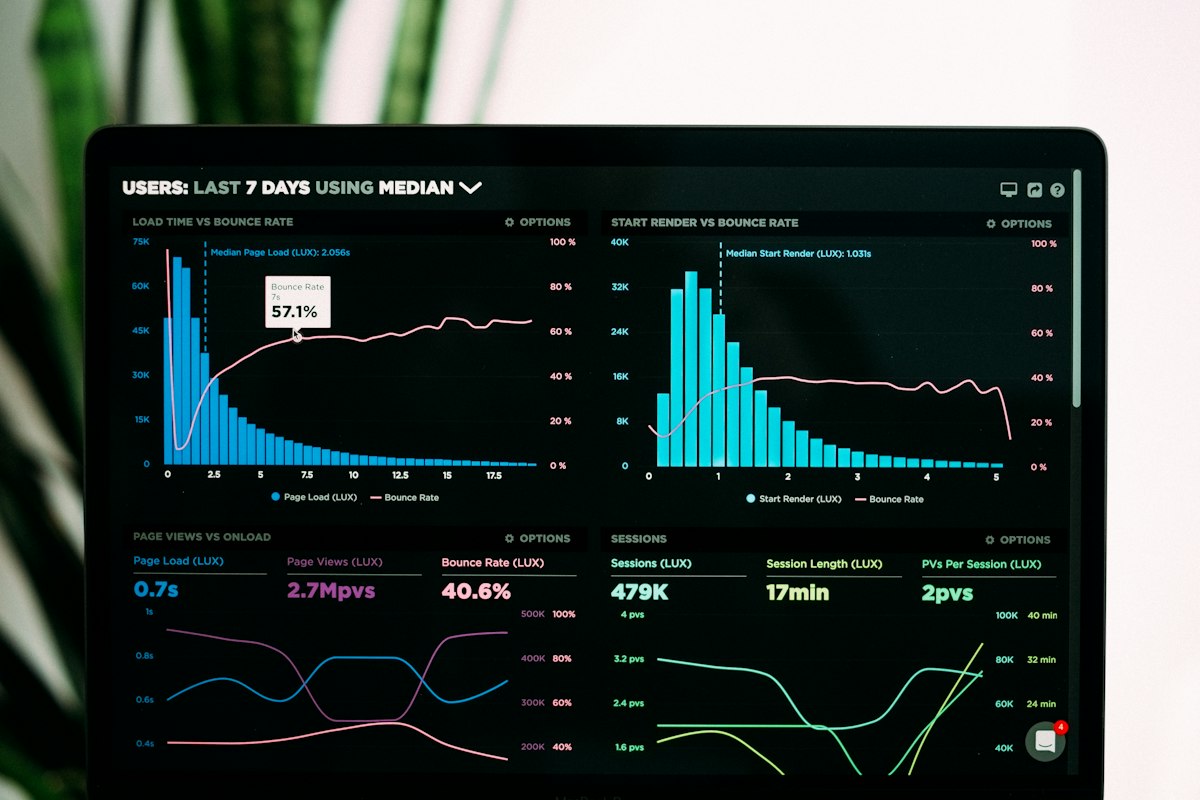
- Primary Signal: Free Cloud Cost Monitoring: 5 Tools That Catch a Runaway Bill Before It Lands
- Overview: A forgotten instance or a runaway function can turn a $0 month into a $500 bill. Five free tools that watch your cloud spending and alert you before the invoice arrives....
- Verification: Analyzed and compiled by FreeSky Cloud editorial monitoring desk.
Cloud bills do not spike politely. They spike because a function loops, a test instance is left running, a bucket fills with logs, or a free tier quietly expires. The stories are always the same: someone discovers the charge weeks later, when the invoice arrives. The fix is not willpower. It is a monitoring tool that watches spending every day and shouts before the number gets large.
The first tool is already in your cloud account. AWS Budgets, Google Cloud Budgets, and Azure Cost Management all let you set a budget, usually $1 or $5 for a free-tier project, and send an email at 50, 80, and 100 percent of that budget. Set the budget the day you create the account, before you deploy anything, and add a second alert based on forecasted spend rather than actual spend, because the forecast catches a runaway in the first days instead of at the end of the month.
The second tool is Infracost, which estimates the cost of infrastructure changes before you apply them. It plugs into Terraform and shows the price impact of a pull request in the same way a test suite shows failures. The free tier covers small teams, and the value is in the habit it creates: every infrastructure change gets a price review before it merges, which stops the expensive mistake at the cheapest possible moment.
The third is Cloud Custodian, an open-source rules engine that enforces cost policies automatically. A simple rule stops instances that have been running for more than 30 days without a tag, deletes unattached volumes older than a week, or snapshots and terminates idle databases. It takes an afternoon to set up and then runs unattended, which is exactly what a small team needs: a janitor that works while you sleep.
The fourth and fifth tools cover the services that do not live on the big clouds. Vantage offers a free tier that pulls cost data from AWS, GCP, Azure, and smaller providers into one dashboard with anomaly alerts. OpenCost, built for Kubernetes, shows the cost of each namespace, deployment, and pod, which is the only way to answer the question of which service is actually eating the cluster budget. Both have free tiers that cover a small project comfortably.
The system that works is boring: a $1 budget alert on every account, a forecast alert beside it, a weekly five-minute review of the cost dashboard, and a rule that deletes anything untagged or idle. Cloud cost monitoring is not a finance exercise. It is an engineering habit, and the teams that build it early are the ones that never have to explain a $500 surprise to anyone.
Tagging is the habit that makes every cost tool ten times more useful. A resource with no tags is invisible to every report: you cannot tell which project, client, or environment it belongs to, and you cannot decide whether to delete it. Tag everything at creation with at least three labels: project, environment, and owner. Enforce it with a policy that blocks untagged resources, because a tag added later is a tag added never. The teams with the cleanest cloud bills are not the ones with the best tools. They are the ones whose resources all have names. Start today: open your cloud console, list the resources with no owner tag, and delete or tag each one before the week ends, because every untagged resource is a future surprise bill waiting for a quiet month.
📖 Continue Reading the Full Story
Continue reading this article on FreeSky Cloud.
⚡ Access Full Content NowMore from FreeSky Cloud


 🛰️ FreeSky Aerial
Mobile & Cloud Optimization: GST Calculator — Add or Extract GST & VAT (Day 16 Guide)
Testing responsive workflows with the GST Calculator — Add or Extract GST & VAT on FreeSky Aerial. Discover es...
 🤖 WinBar AI
AI Image Generator: Create Art From Text Free
Generate stunning images from text descriptions with free AI. No design skills needed — describe it, get it....
 🔭 FreeSky Cosmos
Pro Tips & Tricks: Freelancer Net Pay Calculator (PKR) — Upwork, Fiverr & Payoneer Fees (Day 13 Guide)
How professionals get 10x value from the Freelancer Net Pay Calculator (PKR) — Upwork, Fiverr & Payoneer Fees ...
 🗺️ FreeSky GeoData
Technical Breakdown: Freelancer Net Pay Calculator (PKR) — Upwork, Fiverr & Payoneer Fees (Day 14 Guide)
Architectural examination of our Freelancer Net Pay Calculator (PKR) — Upwork, Fiverr & Payoneer Fees on FreeS...